JavaScript Temporal API: The End of the Broken Date Object
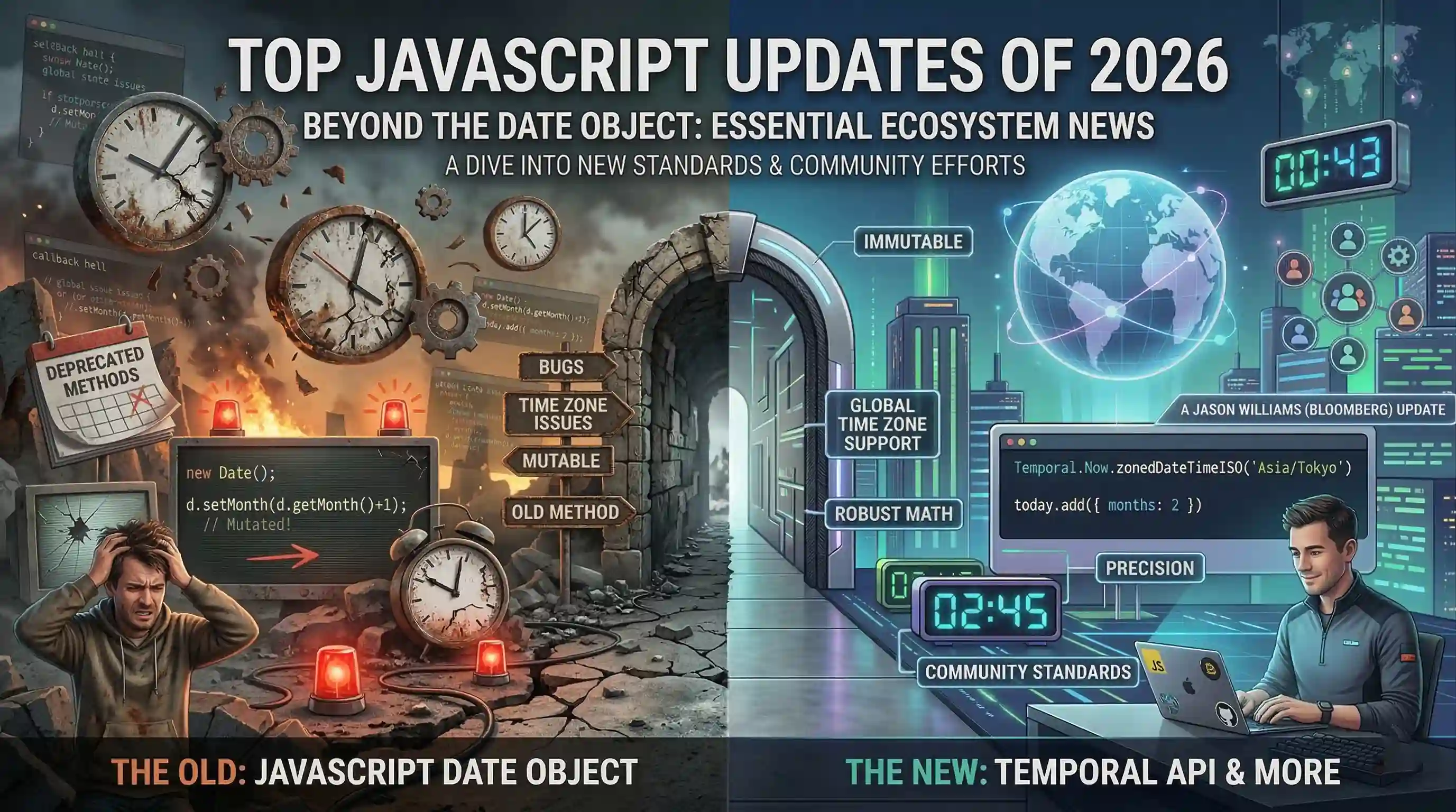
Programming is all about solving problems, but for the longest time, one of the biggest problems for web developers was built right into our own language: JavaScript's Date object.
If you call yourself a web developer, you've probably spent hours ripping your hair out over time zone bugs, unexpected daylight saving shifts, and the fact that Date mutates when you least expect it. We all ended up using heavy third-party libraries like Moment.js just to do basic math.
But not anymore.
Recently, I read an incredible update from Jason Williams, a senior software engineer on Bloomberg's JavaScript Infrastructure team. He shared the news that after a massive 9-year journey, the Temporal API has finally reached Stage 4 at TC39 and is officially shipping in ECMAScript 2026.
In this article, we will dive deep into what Temporal exactly is, the wild history of why Date was so bad, and how you can start using Temporal today.
A Product of Its Time: Why was Date so broken?
Before we look at the shiny new toy, let's understand why we needed it. Back in 1995, Brendan Eich was given just 10 days to invent JavaScript. Under intense pressure, he made a pragmatic choice: he literally ported Java's Date implementation into JavaScript.
Internally, the philosophy was called MILLJ: Make It Look Like Java.
It made sense back then, but as the web grew up to power global banking and trading systems, Date became a nightmare:
- It is mutable: If you change a date, it alters the original object, causing unpredictable bugs.
- Terrible Time Zone Support: It only really understands your local machine's time zone and UTC.
- Inconsistent Math: Try adding a month to January 31st using
Date. It silently rolls over into March instead of clamping to the end of February.
For years, we relied on libraries like moment.js to fix this. But shipping all that time zone data bloated our app bundle sizes. Finally, in 2017, Maggie Johnson-Pint (a Moment.js maintainer) brought the Temporal proposal to the TC39 committee.
Enter the Temporal API
According to Jason Williams, Temporal isn't just a patch. It is a completely new top-level global object in JavaScript (just like Math or Intl).
To make this happen, an "Avengers-style" team of champions assembled. Bloomberg (who runs JS across every time zone on earth for financial markets) partnered heavily with Igalia, Microsoft, Google, and independent experts. They even did something unprecedented: competing engines collaborated to build temporal_rs, a shared Rust library to implement Temporal flawlessly.
[!NOTE]
Good to know: The oldDateobject isn't being deleted. Your old code won't break. But moving forward, Temporal is the modern standard!
My Opinion: Is Temporal actually easy to use?
Honestly? I am blown away by how intuitive this is.
When you hear a spec took 9 years to write and has over 4,500 tests, you expect it to be complex. But the beauty of Temporal is how explicit it is. It forces you to write bug-free code by splitting time concepts into specific types.
If you want an exact moment with time zones handled automatically, you use Temporal.ZonedDateTime. If you just want to point out a date on a calendar without worrying about hours and minutes, you use Temporal.PlainDate. It even supports nanosecond precision using Temporal.Instant!
Getting Started: Demo for Beginners
Let's look at some real code so you can see the magic. You can test this out in newer environments today (like Chrome 144+ or Firefox 139+).
1. Getting the Current Date and Time
Instead of the ambiguous new Date(), Temporal gives you exact control.
// Get the exact current date and time in your system's default local time
const now = Temporal.Now.plainDateTimeISO();
console.log(now.toString());
// Output: 2026-03-18T10:30:15.123

// Get the current time in India specifically (handling all timezone rules automatically!)
const indiaTime = Temporal.Now.zonedDateTimeISO('Asia/Kolkata');
console.log(indiaTime.toString());
2. Doing Easy Date Math
Remember how hard it was to add or subtract dates? Temporal introduces a Duration concept that makes this a breeze.
const today = Temporal.Now.plainDateISO();

// Add 5 days and 2 months to today
const futureDate = today.add({ months: 2, days: 5 });
console.log("Future Date:", futureDate.toString());

// Subtract 3 weeks
const pastDate = today.subtract({ weeks: 3 });
console.log("Past Date:", pastDate.toString());
3. Comparing Dates
No more converting everything to milliseconds just to see which date comes first!
const date1 = Temporal.PlainDate.from('2026-05-10');
const date2 = Temporal.PlainDate.from('2026-08-20');

// Gives you a duration object showing exactly the difference
const difference = date1.until(date2);
console.log(`Difference is ${difference.months} months and ${difference.days} days.`);
Summary
JavaScript's evolution is moving faster than ever. The Temporal API is easily one of the most exciting and highly anticipated features to hit ECMAScript 2026.
A huge shoutout to Jason Williams, Bloomberg, Igalia, and everyone at TC39 who spent the last 9 years fixing time in JavaScript so the rest of us can build better, more reliable web apps. If you are learning web development right now, make sure to add Temporal to your learning checklist!