My Notes App for a Forgotten World: A Deep Dive into Building for Feature Phones
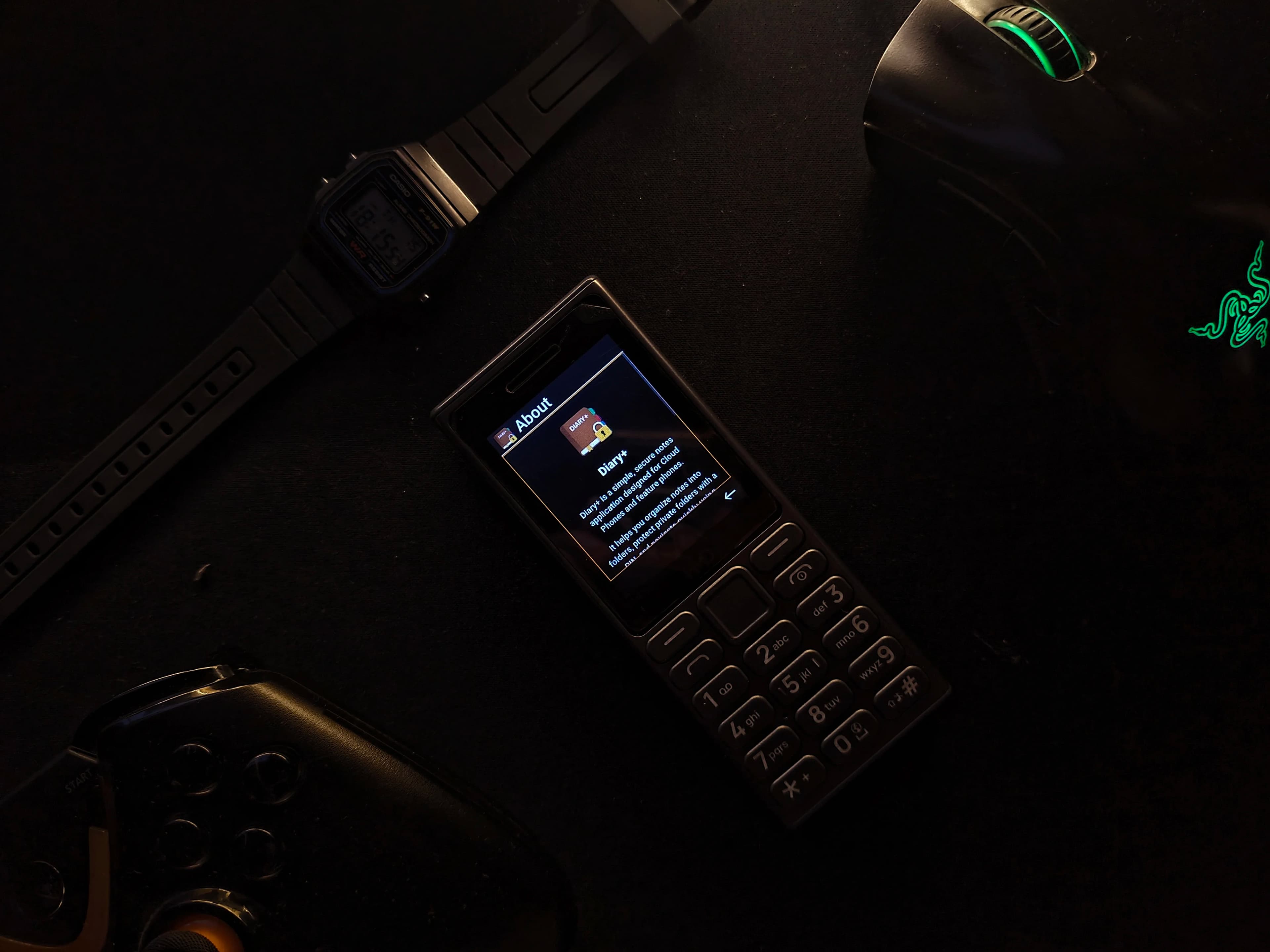
I Live on a Feature Phone. Most of the Time, It's Better.
My daily driver is a Nokia 110 4G. No touchscreen, no app store, no endless scroll. Just buttons.
This isn't a statement. It's just how I prefer to live. I want my tools to respect my time, not fight for it. But I recently ran into a problem that showed me just how invisible you become when you step off the smartphone track.
I was at the bank. The teller asked for some account details I knew I had saved. I reached for my phone, and then it hit me—the sinking feeling of knowing the solution is trapped on a device I no longer carry. My notes were in an ecosystem I had intentionally left behind.
That frustration didn't fade. Why should something as basic as accessing my own notes be a privilege reserved for smartphone owners? In a world that assumes everyone has a touch screen, what about the millions of us who don't?
It was a question that led me to an answer: if no one else was going to build a proper notes app for feature phones, I would have to do it myself.
That's how Diary+ was born.
What is Diary+? A Quick Technical Look
Diary+ is a notes app designed from the ground up for the real-world constraints of feature phones:
Tiny QVGA screens (240x320 pixels)
Physical buttons and D-pad navigation
Unstable networks and offline use
It's built as a cloud phone application. This is a fascinating architecture where the app's interface is rendered on a powerful server and streamed to the device, much like a video game. This allows a simple feature phone to "run" a sophisticated web application that its own hardware could never handle.
Platforms like CloudMosa's Cloud Phone pioneered this, providing a path to deliver modern apps to low-spec devices without on-device installation. Their architecture and documentation were the foundation for Diary+.
This approach solves huge problems like hardware fragmentation and inconsistent app stores, but it introduces its own challenge: you must be absolutely ruthless about user experience.
For developers interested in building for Cloud Phone, check out:
- Cloud Phone React Sample - Working example app
- Cloud Phone Get Started Guide - Official development setup
- Cloud Widgets Development Guide - Technical implementation details
- Cloud Phone UX & UI Guidelines - Design and user experience standards
Cloud Phone UX Isn't Mobile UX — It's Something Else Entirely
Building Diary+ taught me that designing for a cloud phone is a lesson in humility. You can't just shrink a mobile app. You have to throw out the playbook and start over. The principles aren't just theoretical; they are universal across this unique development space. You can see them echoed in the UI/UX guidelines from platforms like CloudPhone.tech and the more technical developer guidelines that shape these environments.
Here are the truths I learned along the way.
Principle 1: One Screen, One Job
On a tiny, high-latency screen, every extra element is a point of friction. Every screen in Diary+ has to answer the question: What is the user trying to do right now? If the answer isn't obvious in one second, the design is a failure. There's no room for decoration. Clarity is the only feature that matters.
Principle 2: The D-Pad Is Law
Touch-first thinking is a virus in cloud phone design. The D-pad (Up, Down, Left, Right, Center) is the user's entire world. Navigation must be predictable and boring.
Up/Down always moves focus.
Center always confirms.
Back always goes back, without exception.
If the "Back" button can do two different things depending on the context, the design is already broken. There are no hidden gestures or long-press tricks. It has to just work.
Principle 3: Local-First Isn't a Feature, It's Survival
Cloud phone apps live in the real world of patchy networks and interrupted sessions. Diary+ was built with a local-first storage model. Every note is saved directly and securely on the device. The network is an enhancement for syncing, not a requirement for functioning. An app that can't work offline is an app that will fail its user when they need it most.
Principle 4: Security Should Be Invisible Until It's Needed
Many feature phone users value privacy deeply. But locking the entire app creates too much friction. Instead, Diary+ uses folder-level locks. You can protect a folder of sensitive notes without adding a roadblock every time you want to jot down a grocery list. Good security stays out of the way until it's called upon.
What Building This Taught Me
Designing for constraints strips away your comfort as a developer. There's nowhere to hide bad decisions. You can't mask a confusing flow with a pretty animation. Every choice is immediately exposed on that tiny screen.
Building Diary+ reshaped how I think about product design. Good UX isn't about what you can add; it's about what you have the discipline to take away.
The app started as a solution to my own problem, standing in a bank feeling left out. But it became proof that good, thoughtful software can—and should—exist for everyone, regardless of the device in their pocket.
Sometimes the best ideas don't come from a whiteboard. They come from a moment of frustration, and the decision to build something anyway.